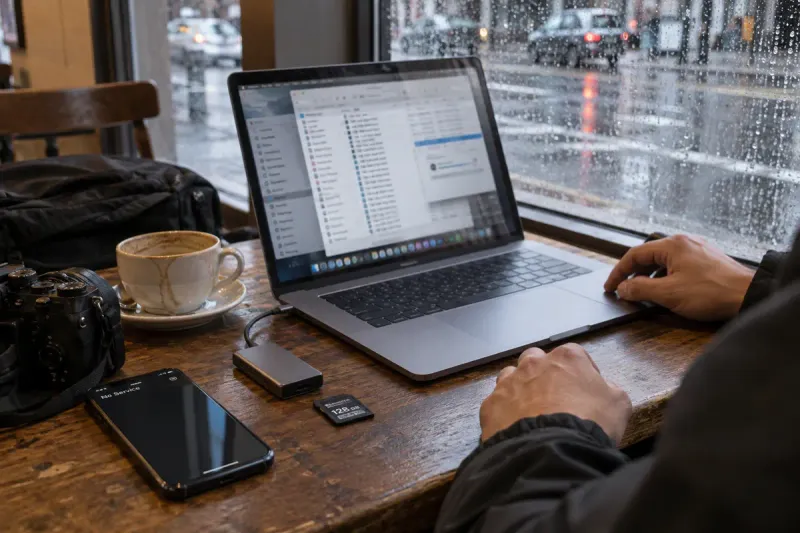
The café Wi-Fi died. Classic.
SurvivedTranzfer waits it out, then carries on from the last piece that made it. Your coffee goes cold. Your upload doesn't.
For editors, shooters and studios
Hundreds of gigabytes, straight from your browser. Wi-Fi drops? It retries. Laptop naps? It waits. Closed the tab? Pick the same files and it carries on. Your editor gets one link.

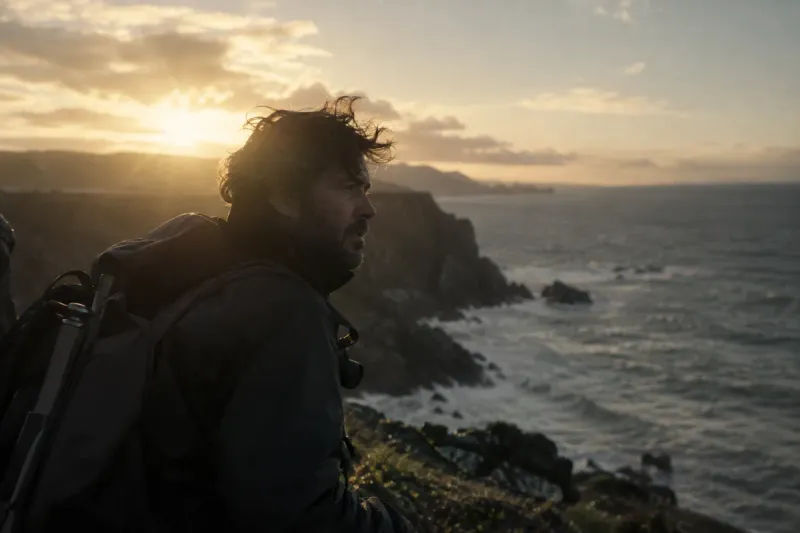
What it survives
Other tools make you start over. Tranzfer keeps every piece that already arrived and only sends what's missing. Before anyone else touched it, we sent 100 GiB through it and wrecked the upload eight different ways. It finished with the exact same file.
TRANZFER
100 GiB test run · 5 oct 2026
thank you. come again with
something bigger.
Tranzfer waits it out, then carries on from the last piece that made it. Your coffee goes cold. Your upload doesn't.
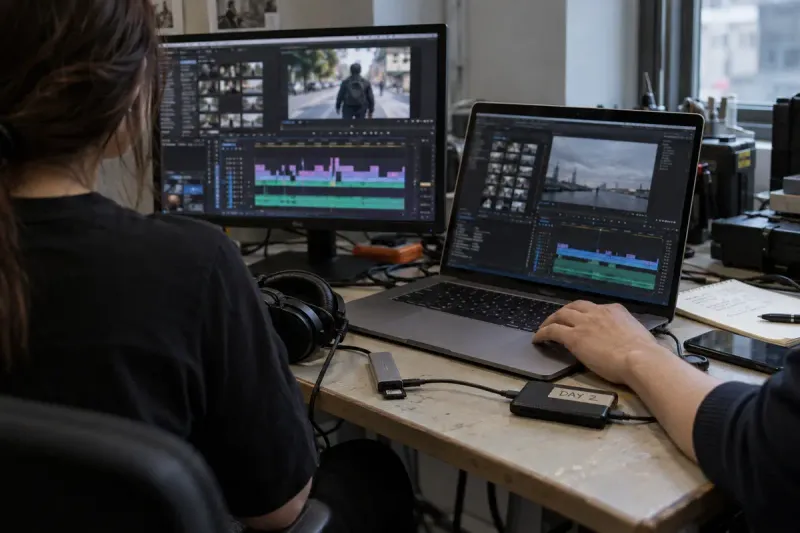
Pick the same files again. Tranzfer remembers what already arrived and sends only the rest.
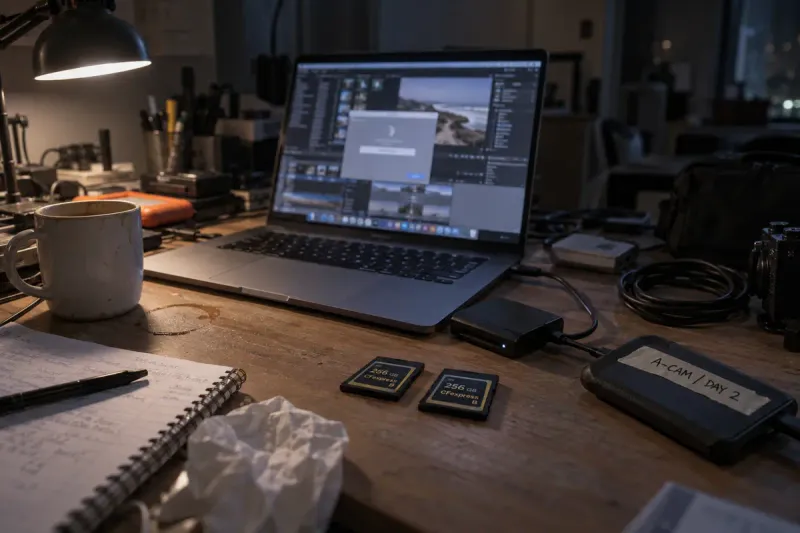
Open Tranzfer again. The upload is waiting on your dashboard, right where it stopped.
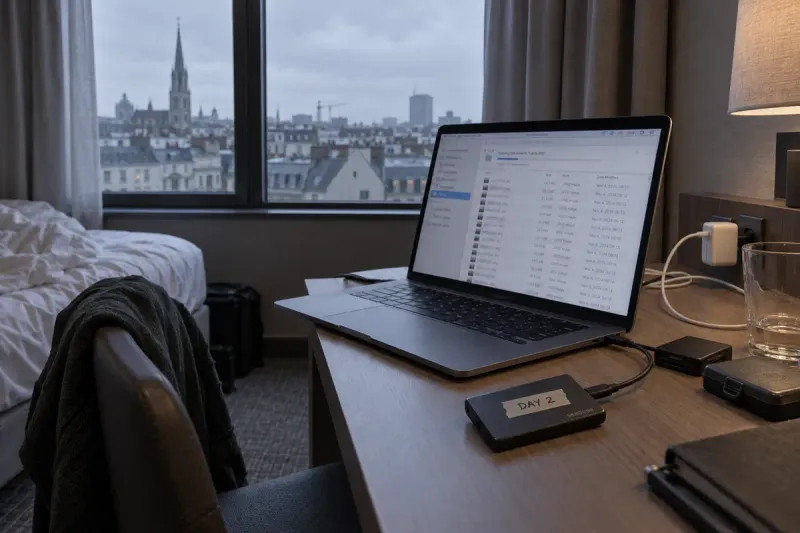
Wake it up and it carries on. Nothing that already arrived gets thrown away. We froze one for 20 minutes mid-upload to check.
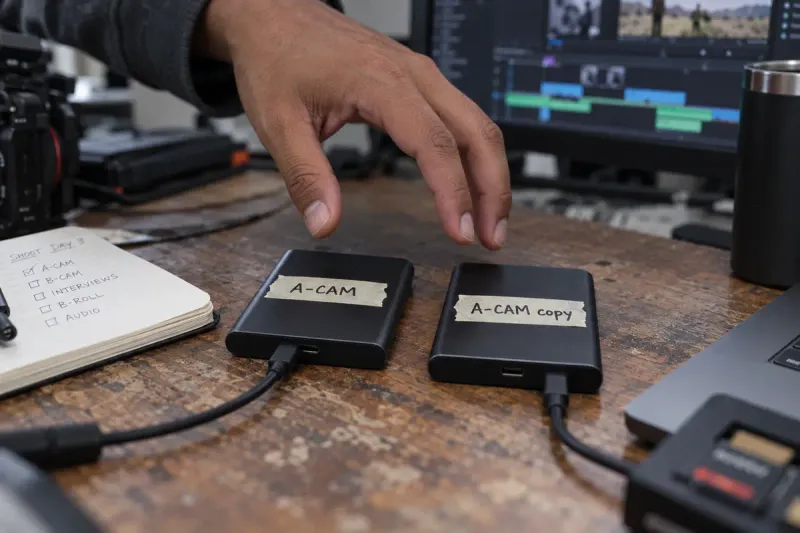
When you pick files again, Tranzfer checks them against what it already has. No match? It stops and tells you, instead of stitching two shoots together.
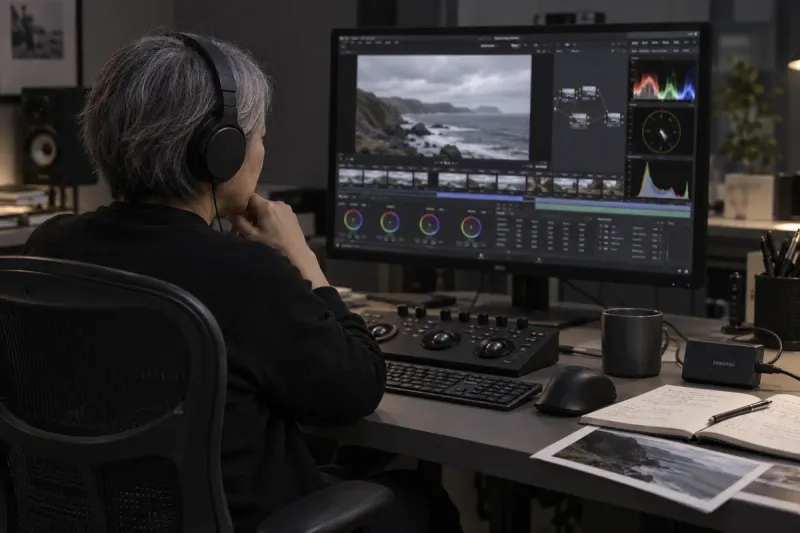
Your editor downloads exactly what you sent. Same file, every single byte.
How it works
A browser on your end, a link on theirs. Nothing to install.
made for laptops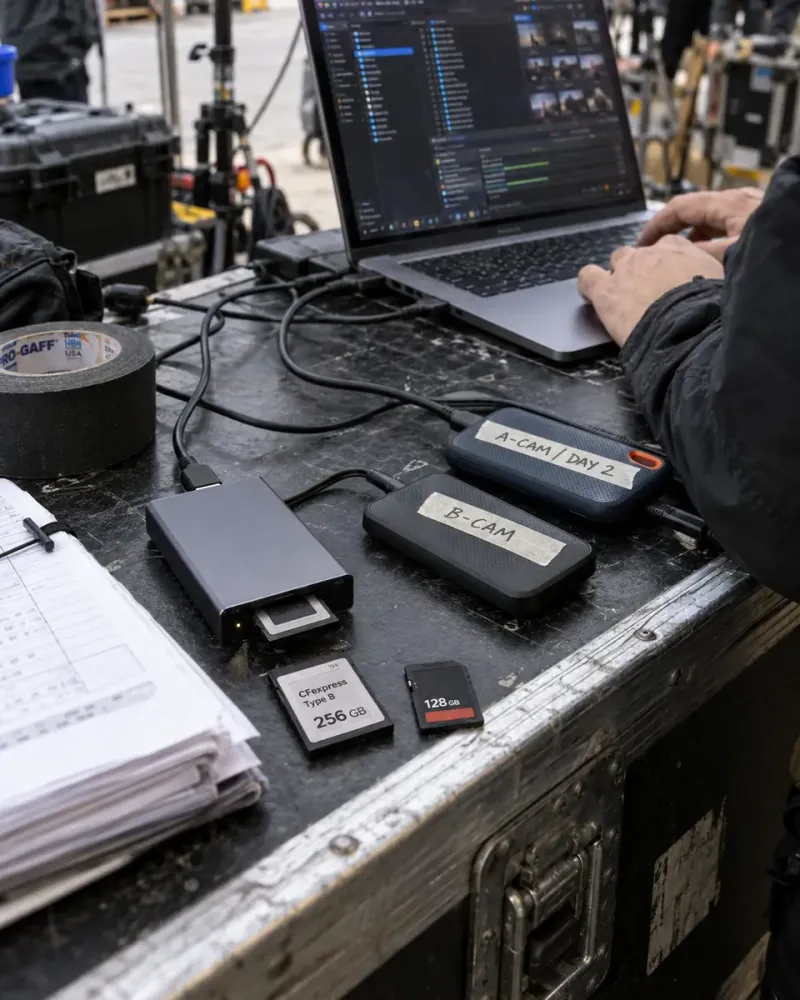
Drag in files or whole folders, hit send, walk away. That's the whole setup.
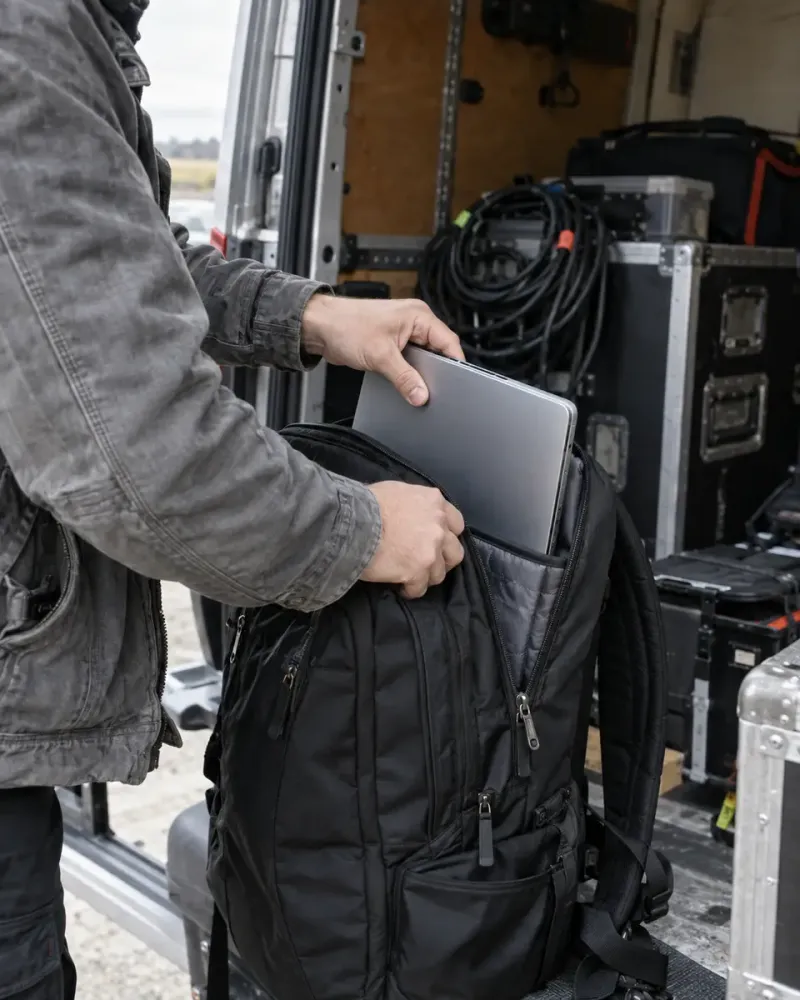
Interrupted? It waits on your dashboard. Pick the files again and only the missing bits go up.

Your editor clicks it and downloads. No account, no app, no excuses.
Made for
Camera cards, RAW shoots, project files, session stems. Each page walks through a send for that kind of work.
Pricing
Every plan picks up after dropped Wi-Fi, reloads and crashes, sends whole folders and gives your editor one link, no account needed. Bigger plans hold more at once and keep links longer. Files count against your space until the link expires or you cancel it. Downloads don't free space.
For the odd big shoot.
For working editors.
For heavy weeks and studios.
Billed monthly through Polar. Cancel whenever; your plan runs to the end of the month you paid for.
Shopping around
Questions
As big as your plan holds at once: 20 GB on Free, up to 3 TB on Studio. No separate limit per file. We've tested it with a single 100 GB upload, with eight things broken on purpose.
Nothing you already sent is lost. When the connection comes back, Tranzfer carries on by itself. After a sleep, a reload or a crash, pick the same files again; it checks them against what arrived and sends only what's missing.
No. They open the link and download. No sign-up, no app.
You pick 1, 3, 7 or 14 days, up to your plan's limit: 3 on Free, 7 on Starter, 14 on Pro, 14 on Studio. When a link ends, its files are deleted.
Yes. Choose a folder and Tranzfer uploads everything in it, subfolders and file names included.
Free gives you 20 GB of active transfer space. Starter is $15 a month for 300 GB, Pro is $29 a month for 1 TB, Studio is $69 a month for 3 TB. Space frees up as deliveries end, so there's no monthly cap on how much you send.
Your files are encrypted on the way and while they're stored. Only someone with the link can download them, and they're deleted when the link ends or you cancel it.