Updated
For videographers
Dailies to your editor.
Without starting over.
Wrap the shoot, dump the cards, send the lot to your editor. When the hotel Wi-Fi drops, Tranzfer keeps what arrived and carries on. You don't have to watch it.
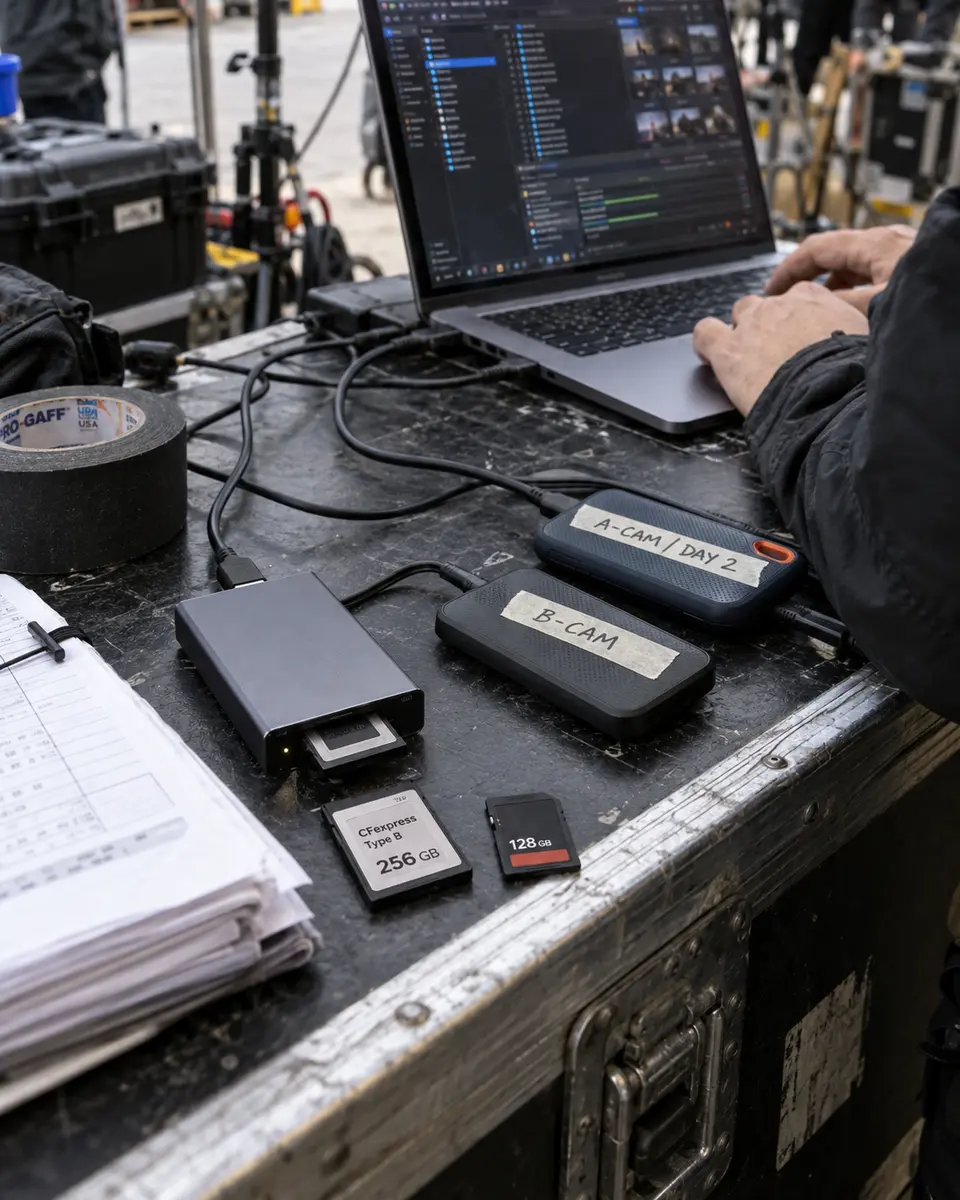
Whole cards at once
Folders keep their structure, so the edit starts organized.
Survives the hotel Wi-Fi
Drops and sleeps don't restart anything. It carries on from where it was.
Your editor just clicks
One link, no account. Desktop Chrome or Edge saves it all into one folder; other browsers take it file by file.
How a send goes
Offload the cards
Copy them off with whatever you already use. Keep the folder names; Tranzfer sends them as they are.
Drop the whole shoot
A-cam, B-cam, drone and sound in one go. Pick how long the link lasts, up to 14 days on Pro.
Send your editor one link
Text it, Slack it, email it. They open it and download, no account. If the Wi-Fi drops on your end, Tranzfer retries by itself.
Any file type, including
- BRAW
- ProRes RAW
- ProRes 422 HQ
- R3D
- ARRIRAW
- XAVC
- MXF
- H.265 MP4
- Proxies
- WAV sound rolls
- LUTs
- Drone footage
- Whole camera cards
What it replaces
Shipping a hard driveNo courier, no waiting a day for a drive to land.
Splitting cards into free-tier chunksNo 'part 7 of 12'. The whole card is one delivery.
Waiting for a cloud folder to syncNo sync client. Your editor downloads from a link.
Questions
How do I send a whole day of footage to my editor?
Drag the shoot folder onto Tranzfer and send. Your editor gets one link to everything, folders included. Free holds 20 GB live at once, Starter 300 GB, Pro 1 TB and Studio 3 TB.
What happens if the hotel Wi-Fi drops mid-upload?
Tranzfer keeps every part that already arrived and retries when the connection comes back. If the browser closes or crashes, open Tranzfer again and pick the same files. It sends only what's missing.
Does my editor need an account?
No. They open the link and download. Desktop Chrome and Edge can save the whole delivery into one folder; other browsers download file by file.
Is Tranzfer a WeTransfer alternative for big shoots?
Yes. It's built for hundreds of gigabytes sent from a browser over a connection that won't behave. The Tranzfer vs WeTransfer page compares the two line by line, with sources.
What it costs
- Free $0
- 20 GB at once, links up to 3 days
- Starter $15/mo
- 300 GB at once, links up to 7 days
- Pro $29/mo
- 1 TB at once, links up to 14 days
- Studio $69/mo
- 3 TB at once, links up to 14 days
You pay for what's live at once, not for every gigabyte you send. When a link ends, its space comes back. Compare prices