Updated
For creators
Your editor's asleep.
The upload isn't.
You filmed it, your editor's eight hours ahead, and the upload has to survive a night of your laptop going to sleep. Tranzfer was built for exactly that night.
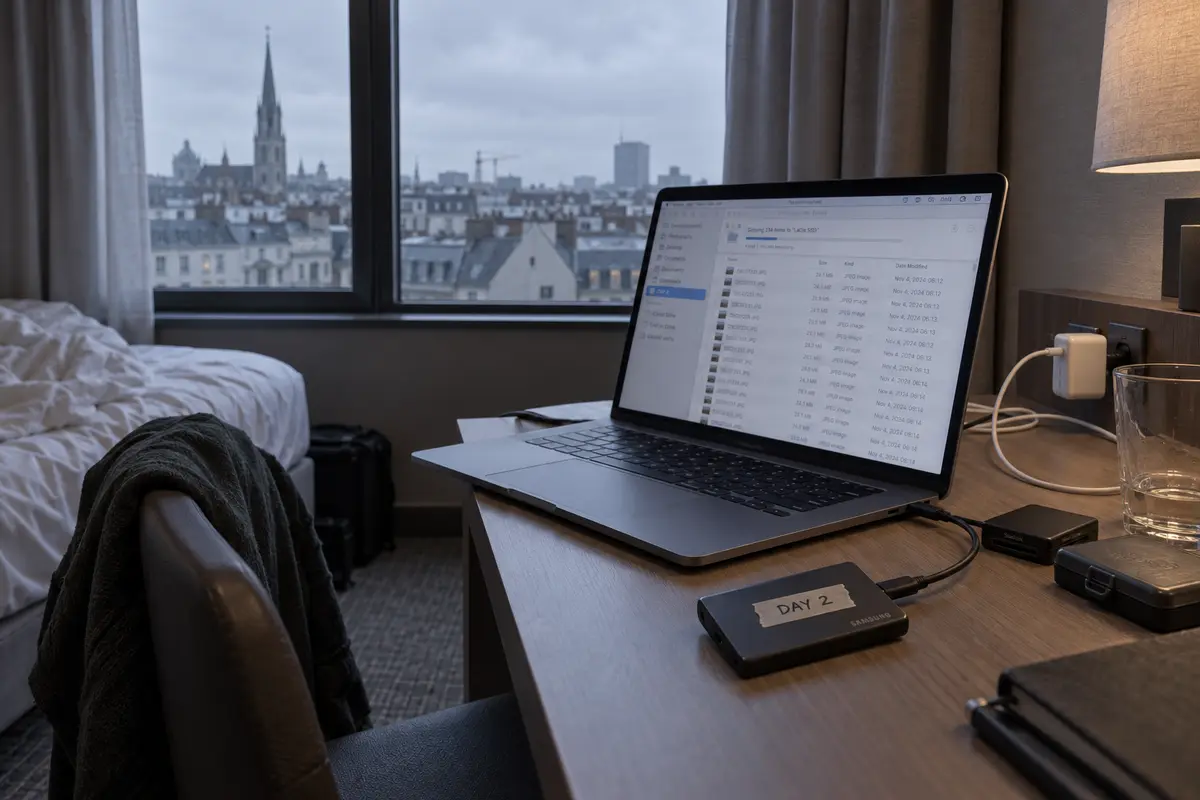
Hit send, go to bed
Interruptions don't restart anything. Check in the morning.
Free to start
20 GB at once on the free plan. No card.
Bigger when you are
Up to 3 TB at once, and links that last two weeks.
How a send goes
Drop the raw recordings
A-roll, B-roll, screen captures, the mic track. Sign in with Google, no card.
Send it before bed
If the Wi-Fi drops it retries. If the laptop sleeps, it picks up when it wakes.
Your editor downloads in their morning
One link, no account, wherever they are.
Any file type, including
- 4K and 6K camera files
- OBS recordings
- Screen captures
- Mic and lav audio
- Phone footage
- Thumbnails and PSDs
- Premiere and Resolve projects
- B-roll folders
What it replaces
Uploading to Drive and hopingNo 'upload failed' at 3am that you find at 9.
Waiting until you're homeHotel and café Wi-Fi are fine. It keeps what arrived.
Paying per gigabyteFlat monthly plans, or free for 20 GB at once.
Questions
What's the easiest way to send footage to my video editor?
Drop the folder on Tranzfer, send, and give your editor the link. They don't need an account.
Can I send from my laptop while traveling?
Yes. Dropped connections, sleep and crashes don't throw away what already arrived. After a crash or closed tab, pick the same files again to carry on.
Is there a free plan?
Yes. 20 GB live at once, links up to 3 days, no card.
My editor is in another country. Does that matter?
No. They get a link and download from wherever they are.
What it costs
- Free $0
- 20 GB at once, links up to 3 days
- Starter $15/mo
- 300 GB at once, links up to 7 days
- Pro $29/mo
- 1 TB at once, links up to 14 days
- Studio $69/mo
- 3 TB at once, links up to 14 days
You pay for what's live at once, not for every gigabyte you send. When a link ends, its space comes back. Compare prices